

Server-side orders
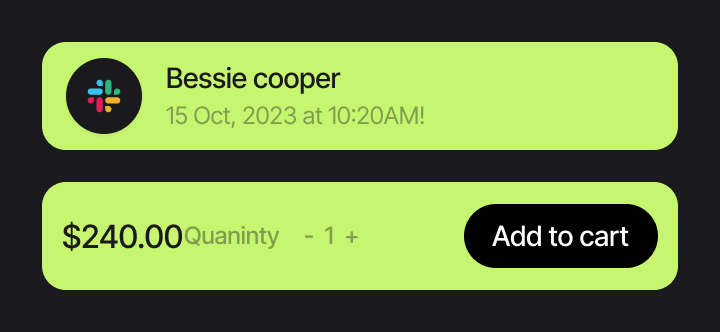
The browser submits only the product identifier. Price and currency are loaded from trusted server-side data.
A clean ASP.NET Core starter kit for one-time payments, server-side order management, SQL Server persistence and verified Stripe webhooks.
Built with .NET 10 · ASP.NET Core MVC · EF Core · SQL Server · Stripe.net · xUnit

Card payment handled by Stripe.
The starter separates payment infrastructure from your business logic so you can understand it, customize it and build on top of it without letting the browser decide what gets charged.
The browser submits only the product identifier. Price and currency are loaded from trusted server-side data.
Each Stripe Checkout attempt is linked to a local PaymentTransaction with its own lifecycle and external reference.
Stripe signatures are checked before payment events reach the business confirmation workflow.
ProcessedWebhookEvent and a unique provider/event key protect the workflow from duplicate Stripe deliveries.
Amount, currency, session reference and payment status are checked before any local order is marked paid.
xUnit tests cover amount conversion, order creation, successful webhook handling and invalid payment scenarios.
DEVHAPPY built this starter around a simple principle: your payment provider should confirm a payment, but your own application should keep control of orders, transaction state and business rules.
Trusted price and currency.
Created locally as Pending.
Tracks the payment attempt.
Stripe handles card entry.
Signature and payload verified.
Order and transaction confirmed.
Returning to a success URL is not reliable proof of payment. The starter waits for Stripe, validates the event against local data, then updates the order atomically.
The server creates the local order and payment transaction first.
Checkout receives the amount generated from server-side order data.
checkout.session.completed reaches the signed webhook endpoint.
Signature, metadata, amount, currency and session reference are checked before Order = Paid.
A focused source-code starter for developers who want a clear payment foundation before adding subscriptions, coupons, Connect or custom business workflows.
ASP.NET Core MVC project designed to be read, changed and extended.
EF Core entities, Fluent configurations, migrations and SQL Server persistence.
One-time card payment flow with server-generated amount and metadata.
Signed event verification, local payment validation and idempotent processing.
xUnit tests around the business-critical order, amount and webhook logic.
Installation, Stripe setup, webhook testing and customization guides.
Open the sample product, create a pending order, continue to Stripe Checkout and let the signed webhook confirm the payment. No real charge is made.
Quick answers about the architecture, demo and current scope.
A complete ASP.NET Core MVC source project with Product, Order and PaymentTransaction models, Stripe Checkout, SQL Server persistence, signed webhook processing, duplicate-event protection, currency conversion logic and automated tests.
The browser return URL does not confirm payment. The signed Stripe webhook validates the event, local order, transaction, amount, currency and Checkout Session before changing the local state to Paid and Succeeded.
No. The public demo is designed to run with Stripe test credentials. It demonstrates the checkout and webhook workflow without charging a real card.
The current version focuses on one-time card payments. Subscriptions, Stripe Connect, refund UI, coupons and asynchronous payment methods are intentionally outside this first package.
It is intended for ASP.NET Core developers, agencies and SaaS builders who want a readable Stripe foundation they can adapt to their own products and workflows.
DEVHAPPY designs and builds connected digital systems, SaaS products, API integrations and useful automation around structured business workflows.